Short answer: Your family’s lives are full of digital accounts, from email and photos to banking, crypto, and social media. If something happens to you, your loved ones can be locked out of all of it, sometimes permanently. A digital estate plan fixes that, but here is the part people miss: apps and password managers help, they do not replace the notarized legal documents that actually give someone the authority to act. Here is how to protect both sides.
A generation ago, settling an estate meant going through a filing cabinet and a safe deposit box. Today, most of what matters lives behind a login. That shift has created a new problem that catches families off guard. The will and trust may be in order, but nobody can get into the accounts, and the companies that hold them are not in the business of handing over access. A little planning now prevents a lot of locked doors later.
What counts as a digital estate
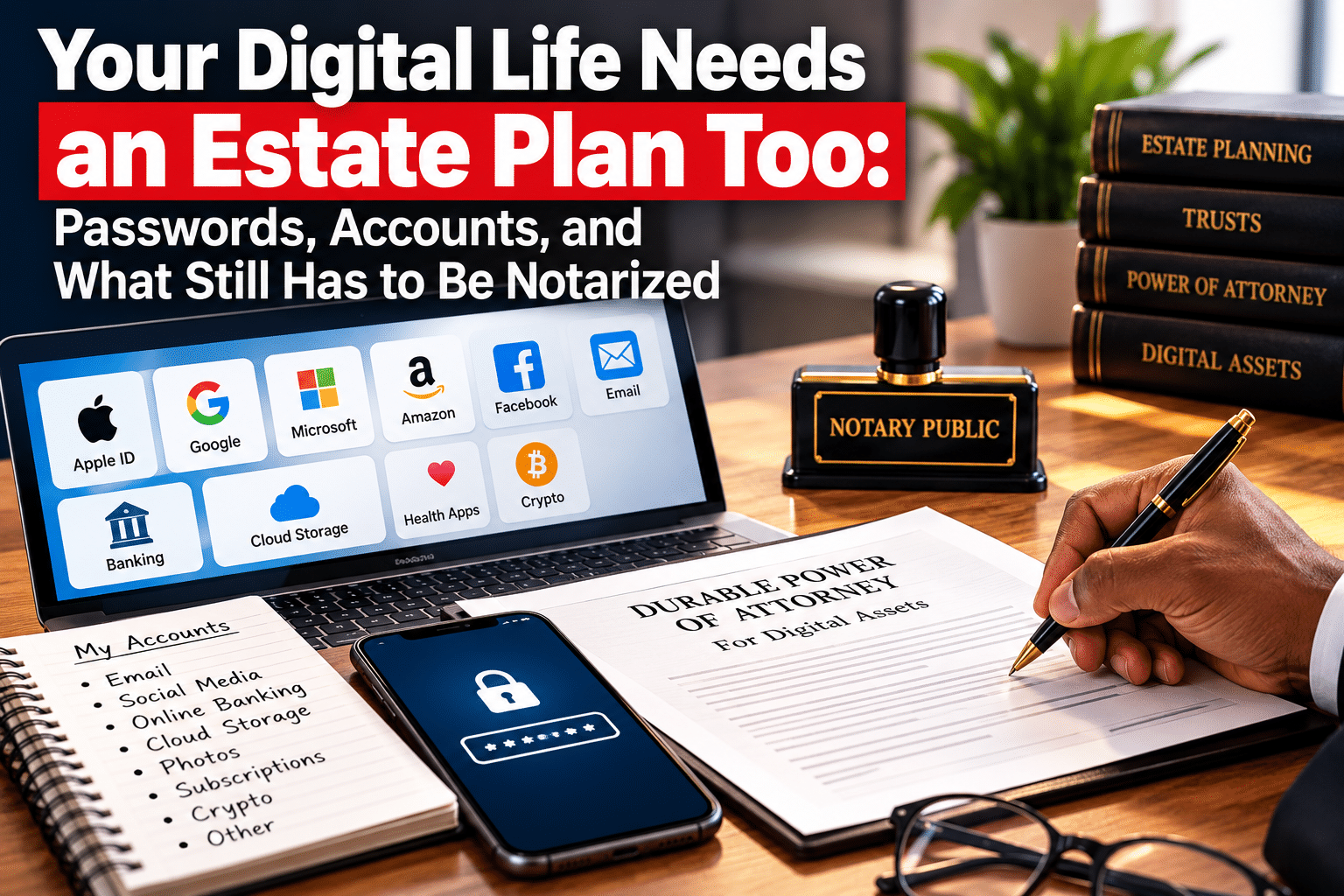
Your digital estate is bigger than most people realize. It includes your email, which is often the key to resetting every other password. It includes financial accounts and anything held at an online only bank or brokerage. It includes cryptocurrency, which can be lost forever if no one has the keys. It includes photos and videos stored in the cloud, which may be the most emotionally valuable thing you own. It includes social media accounts, subscriptions that keep charging a card, loyalty and rewards points, domain names, and any business accounts you run. Each of these has its own rules about what happens when the owner dies, and most default to locking the account.
When none of this is planned for, families face a maze of customer service lines, each demanding different proof and often refusing access entirely. Important assets get stranded, sentimental memories get lost, and in the worst cases, an unwatched account becomes a target for identity theft of the person who passed.
Why this is a legal problem, not just a tech problem
Here is the key idea. A password gets someone into an account, but it does not give them the legal right to be there. Terms of service, privacy law, and anti hacking rules can make it a violation for even a well meaning family member to log in without authority. That is why a real digital estate plan is built on two layers. The first layer is practical access, such as a password manager and account settings. The second layer is legal authority, meaning documents that formally empower a trusted person to manage your digital life.
California has adopted a version of the Revised Uniform Fiduciary Access to Digital Assets Act. In plain terms, it lets the person you designate access your digital accounts, but generally only if you have granted that authority, either through an account provider’s online tool or through your estate documents such as a will, trust, or power of attorney. That last point is the one people miss. The legal documents are what unlock the law’s protection, and those documents have to be executed correctly. Confirm the current rules with your attorney, since digital asset law is still evolving.
How to build a digital estate plan
A solid plan does not have to be complicated. Start with an inventory. List your important accounts, what they are for, and where to find them, without writing passwords in a plain document that anyone could find. Next, use a reputable password manager, which lets you store every login securely and, importantly, often includes an emergency access or legacy feature that can grant a trusted person access under conditions you set. Then use the legacy tools the platforms already offer. Major email, phone, and social media providers let you name a legacy contact or set inactive account rules, so do that for each one.
Finally, and this is the step that ties it all together, make sure your legal documents grant digital access. Your power of attorney, your trust, and your will should include language authorizing your chosen person to access and manage your digital assets. Without that language, the practical tools may not be enough, and your family can still hit a legal wall.
What apps can do, and what they cannot
Digital estate planning apps and services have become popular, and they are genuinely useful for organizing your accounts and storing instructions. But it is important to understand their limits. An app can hold your passwords and your wishes. It cannot, on its own, give someone the legal authority to act as your agent, serve as your trustee, or make medical decisions for you. Those powers come from a will, a trust, a durable power of attorney, and an advance health care directive, documents that in California must be signed following specific legal rules, and most of which are notarized.
Think of it this way. The app is the toolbox. The notarized legal documents are the keys that make the law recognize your plan. You want both. Relying only on an app leaves your family with information but no authority. Relying only on paper documents, without organizing the accounts, leaves them with authority but no map. The two layers work together.
Where notarization comes in
The documents that grant digital authority are the same core estate documents families already need. A durable power of attorney lets your agent manage accounts and finances while you are alive but unable. A trust lets your successor trustee step in smoothly. These are notarized, and in California they must be signed in person, because California notaries cannot perform online notarizations. A mobile notary can handle the whole set in one visit, at your home or wherever is convenient, and confirm that each document is executed correctly so it holds up when your family needs it. You can see how we handle these on our power of attorney and living trust signing pages.
A special word on cryptocurrency. Crypto is uniquely unforgiving. If no one has the keys or the recovery information, the assets are simply gone, with no customer service line to call. If you hold crypto, make sure your plan includes secure, carefully controlled instructions for accessing it, coordinated with your legal documents and your most trusted person.
Quick answers about digital estate planning
Can my family just use my passwords after I die? Technically, they might log in, but without legal authority, it can violate the account’s terms and the law. Granting authority in your estate documents is the safe path.
Does a digital estate planning app replace a will or trust? No. Apps organize your accounts and wishes. Legal authority still comes from properly executed, and usually notarized, documents.
What happens to my crypto? If no one can access the keys, it is lost permanently. Crypto needs secure instructions built into your plan.
Do these documents have to be notarized in person? In California, yes. Notaries here cannot work online, so a mobile notary who comes to you is the convenient legal option.
A digital estate checklist to start today
You do not have to solve all of this in one sitting. Work through a short checklist over a week or two, and you will be far ahead of most families. Begin by listing your most important accounts: your primary email, your banking and brokerage logins, any cryptocurrency, your cloud photo storage, and your main social media profiles. Set up a reputable password manager and move your logins into it, then turn on its emergency or legacy access feature and name the person you trust. Visit the account settings for your email, phone, and social platforms and designate a legacy contact or configure inactive account rules where offered. Cancel or note recurring subscriptions so they do not quietly drain a card later. Write down, in a secure place, where your recovery codes and crypto keys live, without exposing them in plain text. Then bring it all together by making sure your power of attorney, trust, and will include language authorizing access to your digital assets, and get those documents notarized. Store the originals where your agent and trustee can find them. Revisit the list once a year, because accounts change. A couple of focused evenings now can spare your family a frustrating, drawn out ordeal later.
Protect your digital life and your family’s access
Your accounts, memories, and digital assets are part of your legacy. Organizing them is smart, but it only works when legal documents back it up and give your trusted person real authority. Set up both layers, and your family can step in without getting locked out, stuck, or exposed.
Ready for paperwork that actually holds up? Book your mobile notary appointment online, and I will come to you in Stockton or anywhere in San Joaquin County to notarize your power of attorney, trust, and directive. Prefer to talk first? Call or text (209) 649-5531.
Estate Planning Attorneys: Need a Reliable Mobile Notary for Your Clients?
Stockton Mobile Notary Services partners with estate planning attorneys throughout Stockton and San Joaquin County to provide professional, convenient mobile notarization services.
With over 20 years of experience, Kevin W Byrd assists attorneys and their clients with living trust signings, powers of attorney, and other estate planning documents requiring notarization.
We specialize in serving clients who cannot easily travel, including seniors, individuals with limited mobility, and clients in hospitals, assisted living communities, memory care facilities, and private residences.
You prepare the legal documents. We bring the notary service directly to your client.
Whether you need a scheduled estate planning signing or time sensitive assistance, we’re here to help you serve your clients efficiently and professionally.
Let’s Build a Referral Relationship.
Estate planning attorneys are invited to connect with us to discuss mobile signing support for their clients throughout San Joaquin County.
Stockton Mobile Notary Services
Kevin W Byrd | California Notary Public
📞 Call or Text: (209) 649-5531
🌐 www.stocktonmobilenotary.com
Your Place or Mine